Social Media Marketing Guide for Beginners ( 2026 )
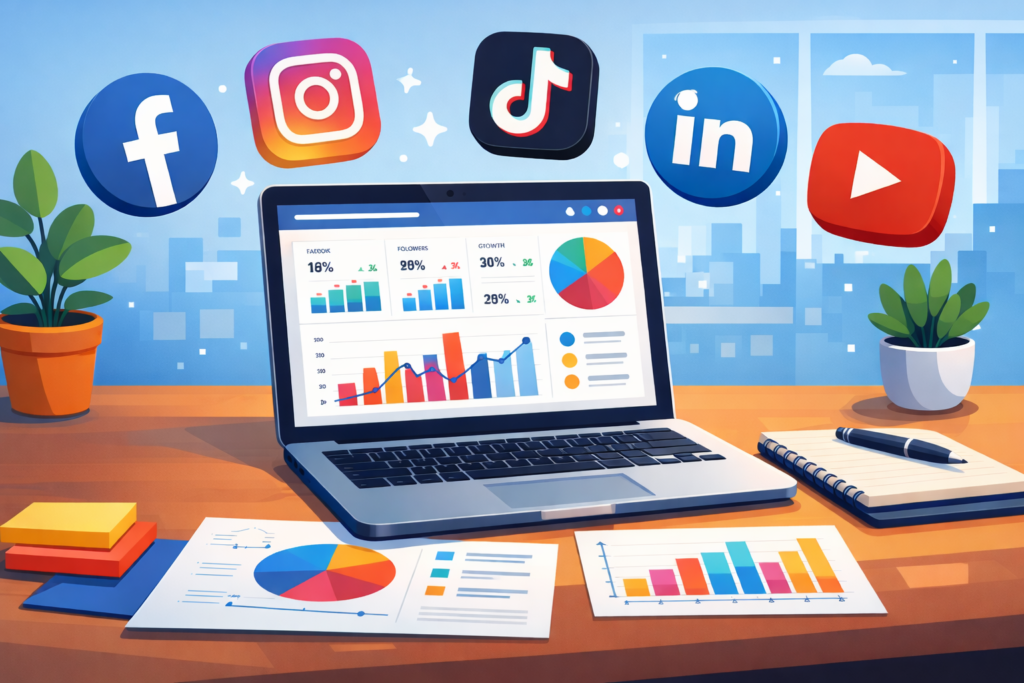
Introduction In today’s digital world, social media has become one of the most powerful tools for businesses. Millions of people use social media platforms daily to communicate, learn about new products, and connect with brands. Because of this massive audience, businesses now use social media marketing to promote their products and services online. Social media marketing guide for beginners, may seem complicated at first. However, with the right strategy and understanding, anyone can use social media platforms to grow a business and reach potential customers. This guide will help you understand what social media marketing is, why it is important, and how beginners can start using it effectively. What is Social Media Marketing? Social media marketing is the process of promoting products, services, or brands through social media platforms. It involves creating and sharing content such as posts, images, videos, and advertisements to attract and engage an audience. Businesses use social media marketing to increase brand awareness, build relationships with customers, and generate sales. Popular platforms used for social media marketing include Facebook, Instagram, LinkedIn, TikTok, and YouTube. Unlike traditional marketing, social media marketing allows businesses to directly interact with their audience. Customers can comment, like, share, and message businesses, creating a stronger connection between brands and consumers. Why Social Media Marketing is Important Social media marketing has become essential for businesses of all sizes. Whether it is a small startup or a large company, social media provides opportunities to reach thousands of potential customers. One of the biggest advantages of social media marketing is visibility. When businesses regularly post useful and engaging content, more people discover their brand. This helps businesses build recognition and trust. Another important benefit is cost-effectiveness. Compared to traditional advertising methods such as television or newspapers, social media marketing is much more affordable. Many businesses can start marketing with little or no budget. Social media also helps businesses understand their audience better. Platforms provide insights and analytics that show how people interact with posts. This data helps businesses improve their marketing strategies and create better content. Popular Social Media Platforms for Marketing Different social media platforms serve different purposes. Beginners should understand which platform is best for their business. Facebook Facebook is one of the most widely used social media platforms in the world. Businesses can create pages, run advertisements, and interact with customers through comments and messages. Instagram Instagram focuses mainly on visual content such as photos, reels, and stories. It is an excellent platform for brands that want to showcase products creatively. LinkedIn LinkedIn is mainly used for professional networking and business marketing. Companies use it to connect with professionals, share industry knowledge, and promote services. TikTok TikTok has become extremely popular for short video content. Many brands use it to reach younger audiences and create viral marketing campaigns. YouTube YouTube is ideal for video marketing. Businesses can create tutorials, product reviews, and educational videos to attract viewers. Steps to Start Social Media Marketing Beginners often feel confused about where to start. Following a simple step-by-step approach can make the process easier. 1. Define Your Goals The first step in social media marketing is setting clear goals. Businesses need to decide what they want to achieve. Common goals include: Increasing brand awareness Getting more website traffic Generating leads Increasing sales Clear goals help businesses create focused marketing strategies. 2. Identify Your Target Audience Understanding the target audience is very important. Businesses need to know who their ideal customers are. Important factors include: Age group Location Interests Online behavior Knowing the audience helps create content that attracts the right people. 3. Create High-Quality Content Content is the most important part of social media marketing. Businesses should create content that is useful, informative, and engaging. Examples of good social media content include: Educational posts Tips and guides Short videos Product showcases Customer testimonials High-quality visuals and attractive designs also improve engagement. 4. Be Consistent Consistency is the key to success in social media marketing guide. Posting regularly helps keep the audience engaged and increases visibility. Many successful brands follow a weekly content plan to maintain consistency. 5. Engage with Your Audience Social media marketing guide is not only about posting content. Businesses should also interact with their audience. Responding to comments, replying to messages, and appreciating feedback helps build strong relationships with customers. Benefits of Social Media Marketing for Businesses Social media marketing offers several benefits that help businesses grow online. Increased Brand Awareness When businesses regularly post content, more people become familiar with their brand. Better Customer Relationships Direct communication with customers builds trust and loyalty. More Website Traffic Social media posts can drive visitors to a company’s website. Higher Sales Opportunities Effective marketing campaigns attract potential customers who may become buyers. Common Social Media Marketing Mistakes Many beginners make mistakes when starting social media marketing. Avoiding these mistakes can improve results. One common mistake is posting without a strategy. Random posts may not attract the right audience. Another mistake is ignoring audience interaction. Businesses should always respond to comments and messages. Posting low-quality images or poorly designed graphics can also reduce engagement. Professional visuals make a strong impression on viewers. Lastly, some businesses focus only on selling products instead of providing value. Social media users prefer informative and entertaining content rather than constant advertisements. Future of Social Media Marketing Social media marketing continues to evolve as technology and user behavior change. Video content, influencer collaborations, and personalized marketing are becoming more popular. Artificial intelligence and automation tools are also helping businesses analyze data and improve marketing strategies. Businesses that stay updated with new trends and consistently create valuable content will have a strong advantage in the digital marketplace. Conclusion Social media marketing is a powerful strategy for businesses that want to grow online. It allows companies to reach a large audience, interact with customers, and promote their services effectively. For beginners, the key to success is understanding the audience, creating high-quality content, and maintaining consistency. With patience and the right strategy, social
Digital Marketing in Pakistan – Complete 2026 Beginner’s Guide
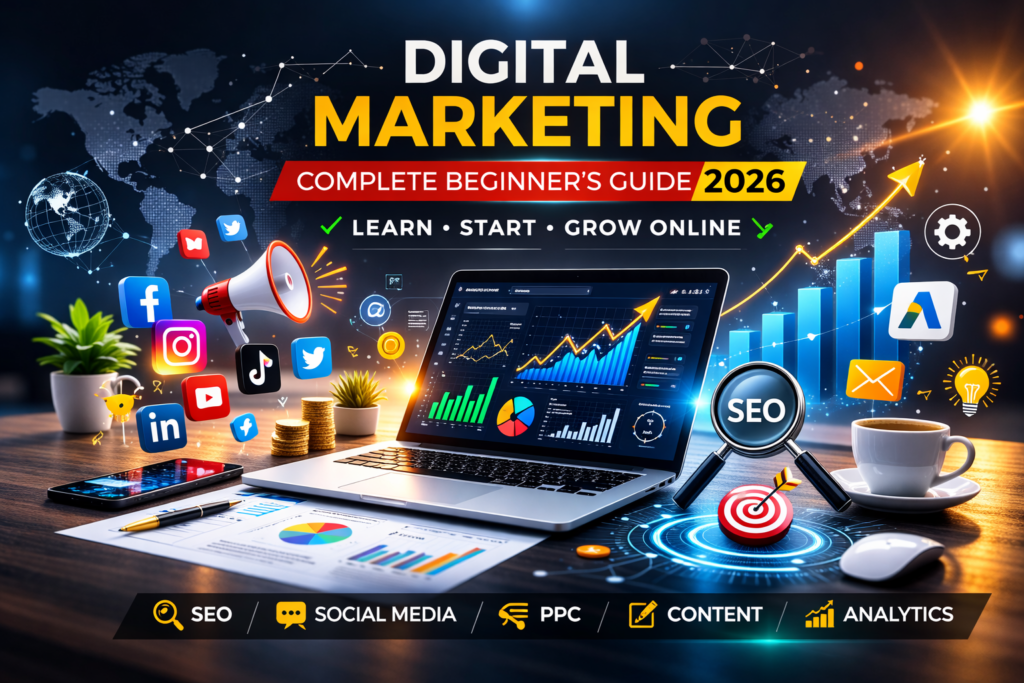
Digital Marketing in Pakistan – Complete 2026 Beginner’s Guide Introduction Digital marketing in Pakistan has grown significantly over the past few years. With increasing internet usage, social media engagement, and e-commerce expansion, businesses are now focusing more on their online presence than ever before. Whether you are a student, freelancer, entrepreneur, or business owner, digital marketing offers countless opportunities in 2026. Today, customers search online before buying anything. They check reviews, visit websites, compare prices, and follow brands on social media. That is why digital marketing in Pakistan is no longer optional — it has become essential. In this complete guide, you will learn about the scope, demand, salary potential, courses, and how to start digital marketing step by step. Is Digital Marketing in Demand in Pakistan? Yes, digital marketing in Pakistan is in very high demand. Thousands of new online businesses are launching every year. Traditional businesses are also shifting toward online platforms. Companies now need: Social media managers SEO experts Content writers Paid ads specialists Digital marketing strategists With platforms like Google, Facebook, Instagram, and TikTok dominating the market, brands must stay active online to compete. Because of this demand, digital marketing jobs and freelancing opportunities are increasing rapidly in Pakistan. Digital Marketing Scope in Pakistan The scope of digital marketing in Pakistan is very promising. It is one of the fastest-growing career fields in the country. 1. Job Opportunities Many companies in Karachi, Lahore, and Islamabad are hiring digital marketing professionals. Entry-level salaries are competitive, and experienced professionals earn significantly more. 2. Freelancing Pakistan is among the top freelancing countries in the world. Digital marketing services like SEO, social media management, and PPC ads are highly demanded on freelancing platforms. 3. Agency Business You can start your own digital marketing agency and offer services to local and international clients. 4. E-commerce Growth With the rise of online stores and marketplaces, digital advertising and SEO services are needed more than ever. Overall, the future of digital marketing in Pakistan looks strong and stable. What Are the 7 Types of Digital Marketing? There are several types of digital marketing. The most important ones include: 1. Search Engine Optimization (SEO) Improving website ranking on Google search results. 2. Social Media Marketing Promoting businesses on platforms like Facebook, Instagram, LinkedIn, and TikTok. 3. Content Marketing Creating blogs, articles, and videos to attract customers. 4. Email Marketing Sending promotional emails to customers. 5. Pay-Per-Click Advertising (PPC) Running paid ads on Google and social media. 6. Affiliate Marketing Promoting other companies’ products and earning commission. 7. Influencer Marketing Collaborating with influencers to promote products. Each type has different earning potential and career opportunities. How to Start Digital Marketing in Pakistan (Step-by-Step) If you are a beginner, follow this roadmap: Step 1: Learn the Basics Understand SEO, social media marketing, paid ads, and content marketing. You can learn through YouTube, blogs, and online courses. Step 2: Choose One Skill Do not try to learn everything at once. Choose one area like SEO or social media marketing and master it. Step 3: Practice Create your own website, blog, or social media page to practice your skills. Step 4: Build a Portfolio Document your work and results. This helps you attract clients. Step 5: Start Freelancing Create profiles on freelancing platforms and start applying for projects. Consistency and practical experience are key to success. Digital Marketing Course in Pakistan – Is It Necessary? Taking a digital marketing course can help beginners learn faster. However, it is not mandatory. You can learn digital marketing through: Free YouTube tutorials Online blogs Practical experimentation A structured course is helpful if you prefer guided learning and certification. Digital Marketing Salary in Pakistan Salary depends on experience and skills. Beginner: Moderate starting salary Intermediate: Higher salary with 1–2 years experience Expert Level: Very competitive salary Freelancers can earn even more depending on international clients and project size. Digital Marketing Agency in Pakistan – Services Offered A digital marketing agency typically provides: SEO services Social media management Google Ads & Facebook Ads Website development Content creation If you are a business owner, hiring a professional agency can significantly improve your online growth. Why Businesses Need Digital Marketing in 2026 Customers search online before purchasing Online competition is increasing Social media influences buying decisions Paid advertising drives fast results Without digital marketing, businesses risk losing customers to competitors. Final Thoughts Digital marketing in Pakistan is one of the best career and business opportunities in 2026. Whether you want to earn online, get a job, start freelancing, or grow your business, digital marketing offers flexibility and strong income potential. The key to success is learning the right skills, practicing consistently, and staying updated with trends. 📞 Need Professional Digital Marketing Services? If you want to grow your business online with expert strategies, feel free to contact: Phone: 03275051951Email: info@sfdigitalsolutions.com SFDigitalSolutions – Helping Businesses Grow Digitally.
15 Best Technical SEO Tools to Boost Website Performance in 2026

15 Best Technical SEO Tools to Boost Website Performance in 2026 The best technical SEO tools help your website rank higher on Google and load faster for visitors. If your website is slow, hard to find on Google, or losing customers, you need these tools.Technical SEO might sound complicated, but it’s simple. It means making sure Google can read your website properly. When Google can’t understand your site, you lose rankings. When your site is slow, you lose customers.This guide shows you exactly which tools to use and how they help your business grow. What’s Inside This Guide What is Technical SEO? (Simple Explanation) 15 Best Technical SEO Tools for 2026 Tools for Beginners (Start Here) Tools to Make Your Website Faster Best Free Tools (No Credit Card Needed) How to Pick the Right Tools Simple 5-Step Process Why These Tools Matter How We Can Help Common Questions Answered What is Technical SEO? (Simple Explanation) Think of technical SEO like the foundation of your house. You can’t see it, but without it, everything falls apart. Technical SEO makes sure: Google can find and read all your web pages Your website loads quickly (under 3 seconds) Your site works perfectly on mobile phones There are no broken links or error pages Your website is secure (uses HTTPS) When these things work well, you get: Higher rankings on Google More visitors to your website More customers who actually buy Better trust from people who visit For businesses in Saudi Arabia, this is extra important. Your customers expect fast, professional websites. If your site is slow or broken, they’ll go to your competitor. 15 Best Technical SEO Tools for 2026 Here are the best technical SEO tools that actually work. We’ve tested them all. 1. Google Search Console (100% Free) This is the most important tool. You MUST use this one. What it does: Shows you what Google sees on your website Tells you which pages have problems Shows which keywords bring you traffic Alerts you when something breaks 100% free, straight from Google Perfect for: Everyone (beginners to experts) Cost: Free forever 2. Screaming Frog SEO Spider This tool crawls your website like Google does and finds every problem. What it does: Checks every page on your website Finds broken links and missing pages Shows duplicate content problems Creates sitemaps automatically Works on your computer (Windows or Mac) Perfect for: Small to medium websites Cost: Free for 500 pages, £149/year for unlimited 3. Google PageSpeed Insights (Free) Tests how fast your website loads and tells you exactly how to fix it. What it does: Measures your website speed Tests on mobile and desktop Gives you a score out of 100 Lists problems in order of importance Shows you what to fix first Perfect for: Quick speed checks Cost: Free 4. SEMrush Site Audit One of the most powerful tools for checking everything on your website. What it does: Scans up to 20,000 pages automatically Checks 150+ different problems Ranks problems by importance Sends you email alerts Creates easy-to-read reports Perfect for: Businesses serious about SEO Cost: From $129.95/month 5. Ahrefs Site Audit Great for deep website analysis and tracking improvements over time. What it does: Finds 100+ types of technical issues Shows your site structure visually Tracks your progress over time Monitors your site health score Checks your internal linking Perfect for: Marketing teams and agencies Cost: From $129/month 6. GTmetrix The best tool for testing and improving website speed. What it does: Tests your page speed in detail Shows exactly what’s making you slow Tests from different countries Tracks speed changes over time Sends alerts if speed drops Perfect for: Speed optimization Cost: Free basic, paid from $10/month 7. Bing Webmaster Tools (Free) Like Google Search Console but for Bing. It also catches problems Google might miss. What it does: Shows Bing search performance Provides free SEO reports Offers keyword research tools Scans for security issues Checks mobile-friendliness Perfect for: Complete search coverage Cost: Free 8. Moz Pro User-friendly tool that’s great for beginners and small businesses. What it does: Crawls your site weekly Prioritizes what to fix first Gives page optimization tips Easy to understand reports Good support and tutorials Perfect for: Small businesses and beginners Cost: From $99/month 9. Sitebulb Makes complex SEO data easy to understand with beautiful visual reports. What it does: Creates visual reports anyone can understand Tells you exactly what to fix Makes PDF reports for clients Checks accessibility issues Validates structured data Perfect for: Agencies and consultants Cost: From £35/month 10. DeepCrawl (Now Called Lumar) Enterprise-level tool for very large websites. What it does: Handles millions of pages Advanced crawling features Team collaboration tools Custom alerts and reporting API integrations Perfect for: Large e-commerce and enterprise sites Cost: Custom pricing 11. Ryte Monitors your website 24/7 and alerts you when something breaks. What it does: Real-time website monitoring Instant problem alerts Content quality analysis Custom dashboards Free version available Perfect for: Continuous monitoring Cost: Free basic, paid from €99/month 12. Netpeak Spider Budget-friendly alternative to Screaming Frog with similar features. What it does: Fast website crawling Scheduled automatic crawls JavaScript rendering Bulk URL analysis Very affordable pricing Perfect for: Budget-conscious users Cost: From $8/month 13. WebPageTest (Free) Advanced speed testing with detailed technical information. What it does: Tests from worldwide locations Shows waterfall charts Records video of page loading Tests on different devices Completely free to use Perfect for: Advanced speed analysis Cost: Free 14. Chrome Lighthouse (Free) Built into Google Chrome browser. Test any page instantly. What it does: Tests performance, accessibility, SEO Built into Chrome (no installation) Instant results Progressive Web App testing Completely free Perfect for: Quick page audits Cost: Free 15. Schema Markup Validator (Free) Tests if your structured data is working correctly. What it does: Validates schema markup Shows rich result previews Identifies markup errors Tests all schema types Direct from Google Perfect for: Rich snippet optimization Cost: Free Tools for Beginners (Start Here) New to SEO?